

Role of Phone Case Buttons – Enhancing Device Access
Every british parent knows how quickly a child’s hands can find their way to your smartphone, and that means your device faces double the daily risks. More than 80 percent of London parents say tactile phone case buttons help them react quickly, whether snapping a photo or silencing a call. As you search for accessories that combine protection and smooth access, discover what truly sets great phone case button designs apart for families on the move.
Table of Contents
- Core Function Of Phone Case Buttons
- Different Types And Tactile Designs
- Impact On Usability And Accessibility
- Balancing Button Protection And Response
- Common Issues And What To Avoid
Key Takeaways
| Point | Details |
|---|---|
| Critical Functionality | Phone case buttons provide vital interaction, allowing users to control device functions while ensuring protection. |
| Design Diversity | Button designs vary from mechanical to soft silicone, catering to different user preferences and needs. |
| Usability and Accessibility | Thoughtful button design enhances user experience, particularly for those with varied physical capabilities. |
| Potential Issues | Misalignment and responsiveness problems can compromise usability, emphasising the need for quality materials and precise engineering. |
Core function of phone case buttons
Phone case buttons provide critical tactile interaction mechanisms that enable users to control device functions seamlessly while maintaining comprehensive device protection. These specialised physical interfaces translate manual inputs directly through the case material, allowing smartphone users to adjust volume, trigger camera functions, and manage screen controls without compromising their device’s protective shell.
The fundamental design of phone case buttons revolves around translating physical pressure into precise device interactions. Innovative mechanical designs have emerged that leverage smartphone internal sensors to detect input, creating a responsive user experience. These buttons are strategically engineered to align perfectly with underlying device buttons, ensuring accurate signal transmission while providing an additional layer of physical protection.
Key functionalities of phone case buttons include:
- Maintaining precise volume control
- Enabling camera shutter access
- Facilitating screen lock/unlock mechanisms
- Providing customisable action triggers
- Protecting underlying device buttons from direct environmental contact
By integrating seamless button functionality, phone case design transforms from mere protective equipment into an interactive user interface extension. The goal is to create an intuitive interaction point that feels natural and responsive while safeguarding the smartphone’s delicate electronic components.
Pro tip: When selecting a phone case, test the button responsiveness physically to ensure smooth, consistent interactions that match your usage requirements.
Different types and tactile designs
Phone case buttons exhibit remarkable diversity in design, ranging from mechanical and soft silicone interfaces that cater to varied user preferences and interaction requirements. These tactile designs fundamentally transform how smartphone users engage with their devices, offering nuanced experiences beyond standard button implementations.
The primary categories of phone case buttons include mechanical buttons, soft silicone overlays, and modular mechanical configurations. Mechanical buttons provide a traditional, responsive experience that mimics classic phone key interactions, delivering precise tactile feedback. Soft silicone overlays offer a more flexible, cushioned touch, allowing gentle pressure activation while maintaining a smooth protective surface. Modular mechanical designs represent the most innovative approach, enabling users to customise button shapes, responsiveness, and even add specialised triggers for specific functions.
User interaction considerations vary significantly across these button designs:
- Mechanical buttons: Crisp, definitive press sensation
- Silicone overlays: Smooth, cushioned interaction
- Modular buttons: Highly customisable tactile experience
Each design philosophy addresses different user needs, from gamers requiring precise input to professionals seeking subtle, responsive controls. The evolution of phone case buttons reflects a nuanced understanding of ergonomic design and user experience principles.
Here’s a side-by-side comparison of common phone case button designs and their user experience benefits:
| Button Type | Tactile Feedback | Customisation Potential | Suitability for Users |
|---|---|---|---|
| Mechanical | Crisp, defined press | Limited to button shape | Ideal for gamers and power users |
| Soft Silicone | Soft, cushioned feel | Moderate; colour and sensitivity | Good for general use, sensitive fingers |
| Modular Mechanical | Adjustable feedback | High; fully customisable | Best for accessibility needs |
Pro tip: When selecting a phone case, physically test button responsiveness to ensure the tactile design matches your specific interaction preferences and usage patterns.
Impact on usability and accessibility
Phone case buttons play a critical role in enhancing device usability, particularly for individuals with diverse physical capabilities. Accessibility guidelines emphasise the importance of designing buttons that are easily located, activated, and identified, ensuring inclusive interaction for users with varying levels of dexterity and mobility.
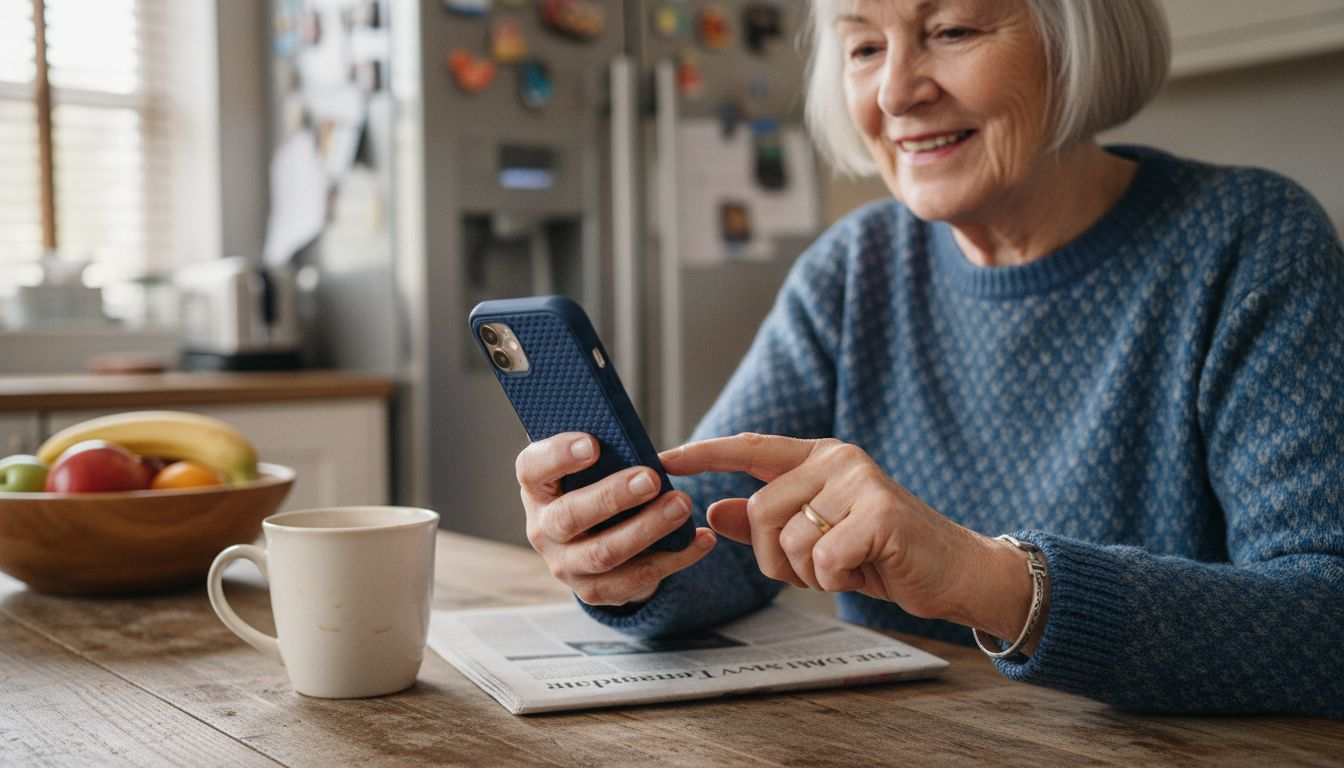
The design of phone case buttons directly influences user experience by providing clear, responsive tactile feedback. Well-engineered buttons support users with limited hand mobility, reducing input errors and minimising frustration. Different button designs accommodate various user needs, from soft silicone overlays that require minimal pressure to mechanical buttons offering precise tactile response. This approach recognises that accessibility is not a one-size-fits-all concept but requires nuanced, adaptable design solutions.
Key accessibility considerations for phone case buttons include:
- Button size and spacing
- Pressure sensitivity
- Tactile differentiation
- Ease of activation
- Compatibility with assistive technologies
These design elements are crucial for creating an inclusive user interface that supports individuals with different physical capabilities, from elderly users to those with temporary or permanent mobility challenges. By prioritising thoughtful button design, smartphone accessories can significantly enhance device interaction and user independence.
For quick reference, here’s how key accessibility features in button design affect different user groups:
| Accessibility Feature | Elderly Users | Users with Reduced Mobility | General Consumers |
|---|---|---|---|
| Large Button Size | Easier identification | Simplifies activation | Enhanced comfort |
| Minimal Pressure Needed | Less hand strain | Reduces error rates | Quicker response |
| Distinct Texture | Improves differentiation | Aids in location by touch | Adds tactile interest |
Pro tip: When purchasing a phone case, test its buttons with different levels of hand pressure to ensure comfortable and reliable interaction for your specific physical requirements.
Balancing button protection and response
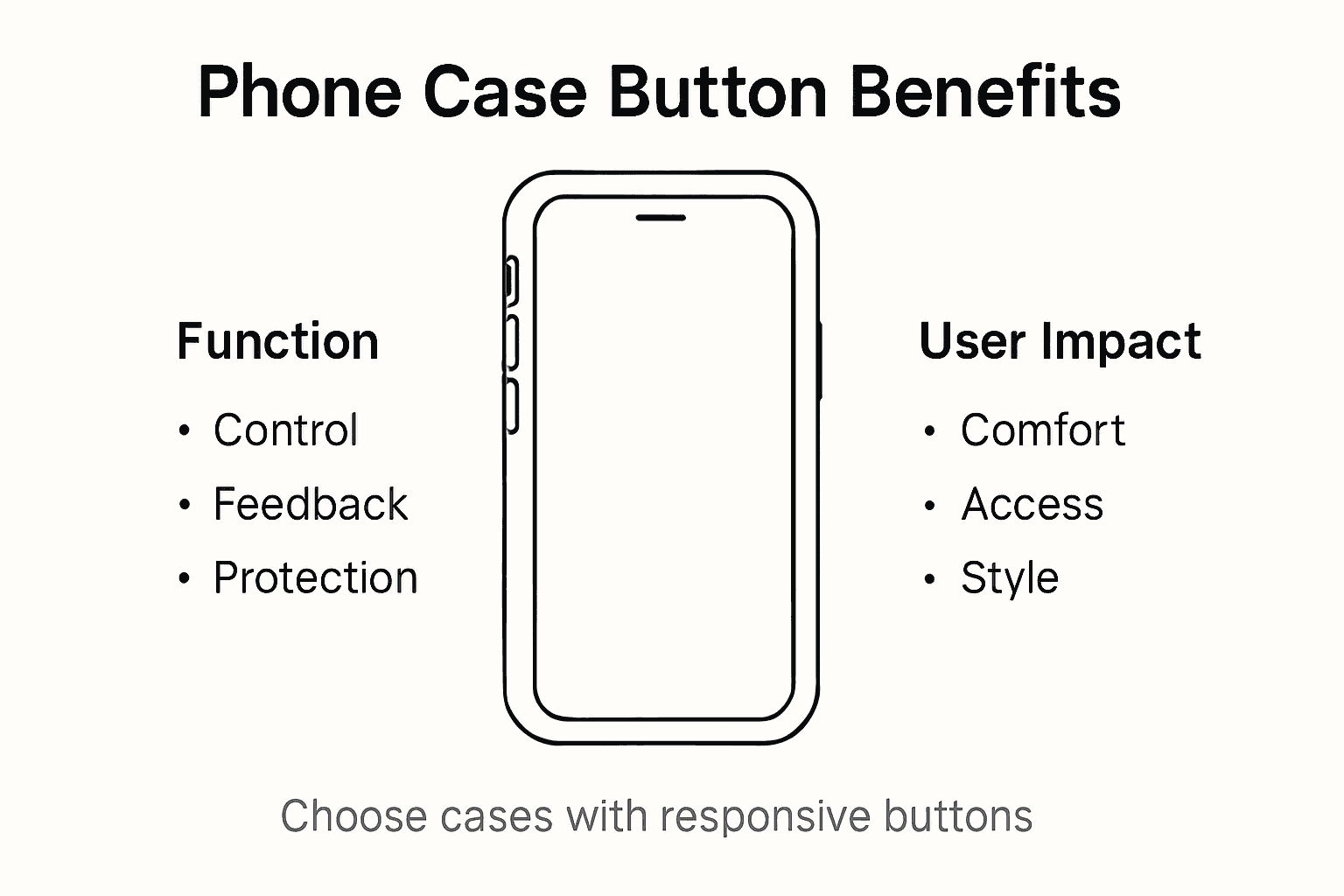
Designing phone case buttons requires a delicate engineering balance between robust physical protection and maintaining optimal button responsiveness. The fundamental challenge lies in creating a protective layer that shields device controls while preserving the precise tactile feedback users expect during interactions.
The materials and construction techniques play a crucial role in achieving this equilibrium. Manufacturers must select materials that provide sufficient cushioning and impact resistance without compromising button sensitivity. Silicone and thermoplastic polyurethane (TPU) offer excellent compromise solutions, creating a protective membrane that transmits button presses effectively while absorbing external impacts.
Key considerations in button design include:
- Material density and flexibility
- Button travel distance
- Pressure activation threshold
- Shock absorption capabilities
- Precise button alignment with device controls
Advanced phone case designs now incorporate multi-layered button mechanisms that distribute pressure evenly, reducing wear on both the case and underlying device buttons. These sophisticated approaches ensure that protective elements do not impede user interaction, maintaining a seamless and responsive experience across different usage scenarios.
Pro tip: Select phone cases with raised button contours and tested material resilience to maximise both protective capabilities and tactile responsiveness.
Common issues and what to avoid
Phone case buttons can present several problematic design challenges that significantly compromise device usability and protection. Button misalignment represents one of the most frequent issues, where case buttons fail to precisely correspond with underlying device controls, leading to inconsistent or unresponsive interactions.
Typical design pitfalls include overly rigid materials that prevent smooth button activation, excessive button travel that reduces tactile feedback, and inadequate protective mechanisms. Cheap phone cases often utilise low-quality materials that deteriorate quickly, causing buttons to become stiff, lose sensitivity, or develop uneven pressure points that impair device functionality.
Critical issues to watch for include:
- Buttons that require excessive force to activate
- Inconsistent button responsiveness
- Materials that degrade quickly
- Poor button alignment with device controls
- Reduced tactile sensitivity over time
Manufacturers must prioritise high-quality materials and precise engineering to create phone case buttons that maintain consistent performance. The most effective designs incorporate resilient materials, precise button mechanisms, and thoughtful ergonomic considerations that adapt to varied user interactions while providing robust device protection.
Pro tip: Physically test phone case buttons before purchasing, checking for smooth activation, consistent responsiveness, and comfortable pressure requirements.
Elevate Your Device Experience with Thoughtfully Designed Phone Case Buttons
Struggling with phone case buttons that feel unresponsive or cause frustration due to poor alignment and stiff materials? The article highlights how crucial button responsiveness, precise alignment, and tactile design are for seamless device access. At StudioShake we understand these user challenges and offer a variety of high-quality cases crafted to balance protection with smooth button interaction.
Explore our specially curated selection for iPhones, designed to provide easy activation, comfortable pressure requirements and superior protection without compromising usability. Experience cases that transform everyday interactions into effortless moments while safeguarding your device from damage.
Don’t settle for phone cases that hinder your device access. Visit iPhone – StudioShake to find cases that prioritise button functionality alongside durability. Uncover innovative designs today at StudioShake and elevate how you interact with your smartphone now.
Frequently Asked Questions
What are the main functions of phone case buttons?
Phone case buttons allow users to control device functions such as volume, camera shutter, and screen lock/unlock without removing the case. They provide tactile feedback and protect the underlying buttons from environmental damage.
How do different button designs affect user experience?
Phone case buttons can be mechanical, soft silicone, or modular. Mechanical buttons offer crisp feedback, soft silicone provides a cushioned feel, and modular designs allow for customisation. Each design caters to different user preferences, from gamers to those seeking a comfortable touch.
What accessibility features should I look for in phone case buttons?
Look for features such as button size, pressure sensitivity, tactile differentiation, and ease of activation. These elements enhance usability for individuals with different physical capabilities, ensuring inclusive interaction with the device.
How can I ensure that a phone case’s buttons are responsive?
To ensure responsive buttons, check for proper alignment with the device’s controls, test the button sensitivity, and look for cases made with quality materials like silicone or TPU that balance protection and tactile feedback.