

Phone Case Maintenance Tips to Protect Family Devices
Every parent knows the stress that comes with kids handling phones around the house, from midday screen sessions to homework searches. Keeping family devices in best condition starts with thoughtful phone case maintenance, helping you avoid unexpected damage and expensive repairs. These practical steps guide you on gathering safe cleaning materials, conducting careful inspections, and protecting every device so your household stays connected and your investment lasts.
Table of Contents
- Step 1: Gather Essential Cleaning Materials Safely
- Step 2: Remove Your Phone and Inspect the Case
- Step 3: Clean the Case Using Gentle Methods
- Step 4: Dry and Check for Lasting Protection
- Step 5: Reassemble and Verify Proper Fit
Quick Summary
| Key Takeaway | Explanation |
|---|---|
| 1. Gather safe cleaning supplies | Assemble essential materials like microfibre cloths and isopropyl alcohol to clean devices without damage. |
| 2. Inspect case for damage | Remove the phone from its case and check for cracks, discolouration, or accumulated debris before cleaning. |
| 3. Use gentle cleaning methods | Clean with mild solutions and soft cloths, avoiding excess moisture to maintain the phone case’s integrity. |
| 4. Dry thoroughly after cleaning | Allow the case to air dry completely to prevent moisture-related degradation of materials. |
| 5. Ensure proper fit upon reassembly | Carefully reassemble the phone and check for alignment to guarantee maximum protection and functionality. |
Step 1: Gather essential cleaning materials safely
Protecting your family’s mobile devices requires methodical preparation and the right cleaning toolkit. You’ll want to assemble a comprehensive set of safe, device-friendly cleaning materials that can effectively sanitise your phone cases without causing damage.
Begin by collecting essential cleaning supplies from reputable sources. Your toolkit should include:
- Microfibre cloths (lint-free)
- Isopropyl alcohol (70% concentration)
- Soft-bristled brushes
- Disposable gloves
- Distilled water
- Cotton swabs
Ensure you’re working in a well-ventilated area and have taken appropriate safety precautions. The Health and Safety Executive recommends wearing disposable gloves to protect yourself during the cleaning process. Always check the manufacturer’s guidelines for your specific phone case material before applying any cleaning solution.
Safety first: Never spray cleaning solutions directly onto electronic devices.
Pay special attention to the type of materials your cleaning cloths and brushes are made from. Soft, non-abrasive materials will prevent scratching delicate surfaces. Microfibre cloths are particularly effective for removing dust and light grime without introducing additional moisture.
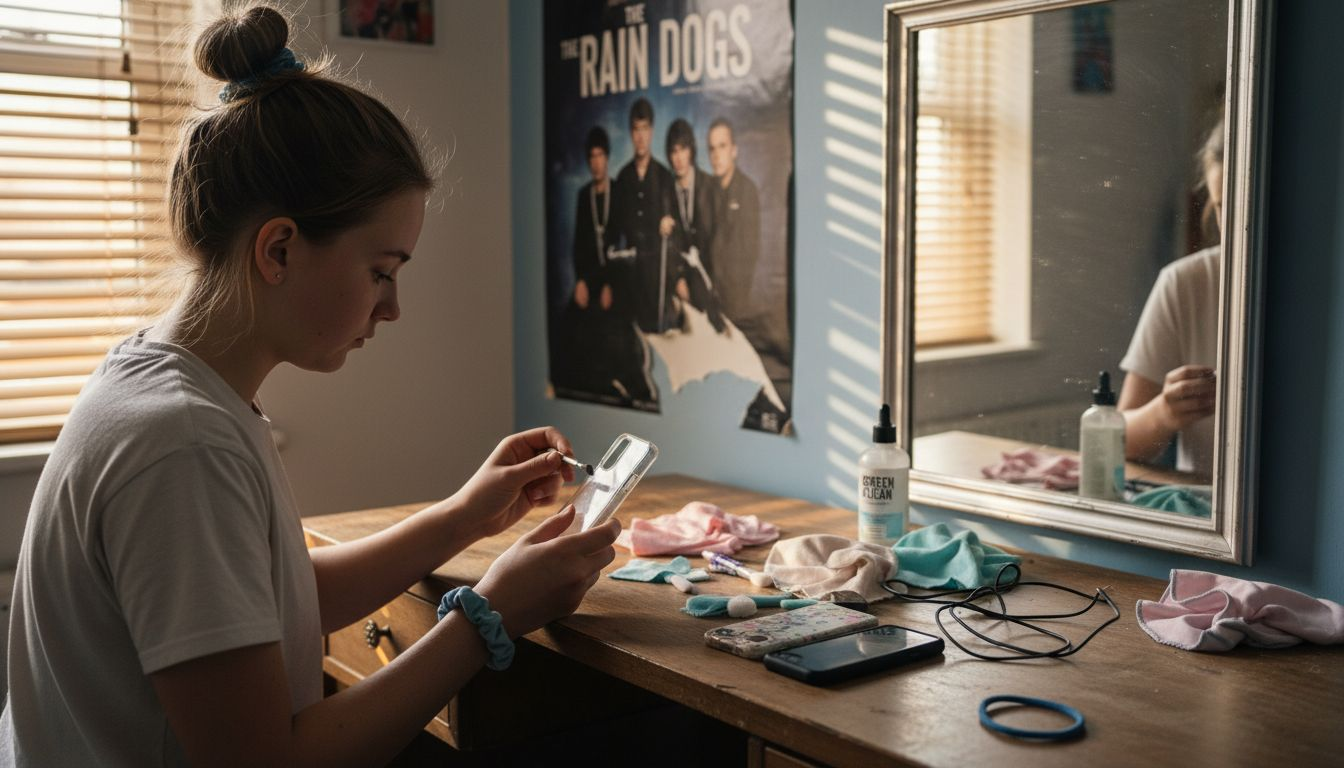
The following table summarises common phone case materials and key considerations for cleaning and protection:
| Case Material | Cleaning Concern | Typical Risk | Inspection Focus |
|---|---|---|---|
| Silicone | May trap dust | Prone to stretching | Check for cracks and loose areas |
| Plastic | Susceptible to scratching | Discolouration risk | Inspect for impact marks |
| Leather | Sensitive to moisture | Surface degradation | Examine for discolouration |
| TPU (Rubber) | Attracts grime | Compression damage | Test flexibility and fit |
Pro tip: Keep a dedicated electronics cleaning kit separate from other household cleaning supplies to prevent cross-contamination and ensure consistent device care.
Step 2: Remove your phone and inspect the case
Removing your phone from its protective case allows for a comprehensive visual inspection to ensure your device remains in top condition. Government guidance emphasises careful device handling to prevent potential damage and maintain device integrity.
Follow these steps to properly remove and inspect your phone case:
- Power down your mobile device completely
- Hold the case firmly at its edges
- Gently slide the phone out, avoiding sudden movements
- Inspect the phone for any scratches or damage
- Examine the case interior and exterior thoroughly
Look for specific signs of wear or potential compromise:
- Hairline cracks in the case material
- Stretched or loose fitting areas
- Accumulated dust or debris
- Discolouration or material degradation
- Signs of impact or compression damage
Careful inspection prevents future device protection failures.
Citizens Advice UK recommends systematically checking your device to identify potential issues before they escalate. Pay close attention to corner areas and edges, which typically experience the most stress during daily use.
Pro tip: Use natural light or a bright lamp when inspecting your phone case to reveal subtle imperfections that might be missed in dim lighting.
Step 3: Clean the case using gentle methods
Cleaning your phone case requires a delicate touch to maintain its protective qualities and appearance. Childline UK recommends careful cleaning techniques that preserve both the case’s integrity and your device’s safety.
Select your cleaning materials wisely to avoid potential damage:
- Soft microfibre cloth
- Isopropyl alcohol (70% concentration)
- Distilled water
- Mild soap (unscented)
- Cotton swabs
- Soft-bristled brush
Follow these gentle cleaning steps:
- Dampen the microfibre cloth slightly with isopropyl alcohol
- Gently wipe the case’s exterior surfaces
- Use cotton swabs for hard-to-reach corners
- Avoid saturating the case with liquid
- Allow the case to air dry completely
Moisture is the enemy of electronic device protection.
University of Essex safety guidelines emphasise using compatible cleaning materials that won’t degrade your phone case’s protective qualities. Pay special attention to removing accumulated dirt from seams and edges without applying excessive pressure.
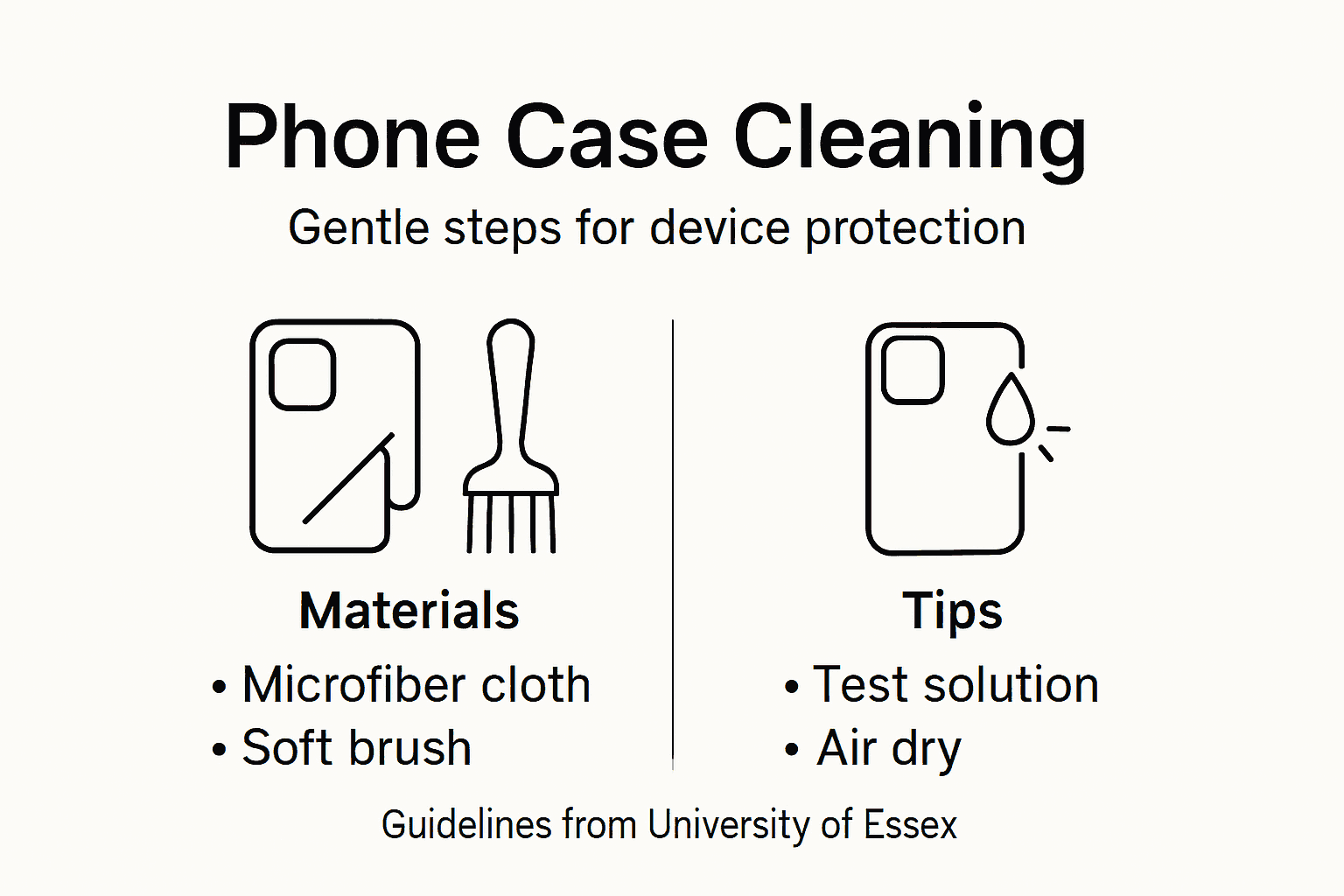
Pro tip: Always test your cleaning solution on a small, inconspicuous area of the case first to ensure it doesn’t cause discolouration or damage.
Step 4: Dry and check for lasting protection
After cleaning your phone case, the final stage involves thorough drying and comprehensive inspection to ensure continued device protection. Childline UK emphasises careful post-cleaning examination to maintain case integrity and prevent potential damage.
Follow these essential drying and inspection steps:
- Use a clean, lint-free cloth to remove excess moisture
- Place the case in a well-ventilated area
- Avoid direct heat sources like radiators or sunlight
- Allow complete air drying for 30-45 minutes
- Ensure no moisture remains in seams or corners
Critical inspection points:
- Check for any hairline cracks
- Examine edges and corner reinforcements
- Test case flexibility and fit
- Look for signs of material degradation
- Verify protective features remain intact
Moisture and damage are silent threats to your device’s protection.
UK government guidance recommends regular functionality checks to ensure ongoing device safety. Pay particular attention to areas that experience frequent stress or potential impact.
To assist in maintaining your phone case, here’s a quick reference for troubleshooting post-clean issues:
| Issue Detected | Likely Cause | Recommended Action | Long-term Risk |
|---|---|---|---|
| Persistent moisture | Incomplete drying | Prolong air exposure, check seams | Material degradation |
| Fit looseness | Case stretching | Replace case if fit compromised | Reduced device protection |
| Surface markings | Cleaning agent residue | Re-clean with distilled water | Cosmetic damage |
| Button misalignment | Improper reassembly | Re-seat case, verify alignment | Functionality impairment |
Pro tip: Keep a magnifying glass handy to inspect small details that might indicate emerging wear or potential protective compromises.
Step 5: Reassemble and verify proper fit
The final stage of phone case maintenance involves carefully reassembling your device and ensuring everything fits precisely. Childline UK highlights the importance of careful device reassembly to maintain protective functionality and prevent potential damage.
Follow these critical reassembly steps:
- Align the phone precisely with the case
- Gently press edges to ensure complete contact
- Check all port and button openings for correct alignment
- Verify no gaps exist between phone and case
- Test buttons and switches for smooth movement
Perform a comprehensive fit verification:
- Confirm all edges are fully seated
- Ensure no loose areas or wobbling
- Check camera and sensor openings are clear
- Validate protective corners maintain position
- Test wireless charging compatibility
Precise fit guarantees maximum device protection.
UK education inspection guidelines emphasise maintaining equipment functionality through careful reassembly. Gentle handling prevents potential damage during this critical final step.
Pro tip: Rotate your device in good lighting to catch any misalignments that might be invisible at first glance.
Keep Your Devices Safe with Protective Phone Cases from StudioShake
Maintaining your phone case is essential to protect your valuable family devices from damage, wear and moisture. If you want to avoid worries about stretched fits, hairline cracks or grime accumulation, StudioShake has a wide selection of durable and stylish cases designed specifically to safeguard your gadgets. Discover our iPhone collection featuring carefully crafted cases that combine protection with elegance while making maintenance easy.

Don’t wait for damage to show before upgrading your device’s defender. Visit StudioShake today and browse Our Bestsellers to find the perfect phone case that offers reliable protection and peace of mind. Protect what matters most now with products built to last and simplify your cleaning routine.
Frequently Asked Questions
How can I safely clean my phone case without damaging it?
To clean your phone case safely, use a soft microfibre cloth dampened with isopropyl alcohol. Gently wipe the exterior surfaces, avoiding excessive moisture to maintain the case’s integrity.
What should I inspect for when removing my phone from its case?
When removing your phone, inspect both the device and the case for hairline cracks, discolouration, or loose areas. Examine hard-to-reach corners thoroughly to identify potential damage that could affect protection.
How long should I air dry my phone case after cleaning it?
Allow your phone case to air dry completely for about 30–45 minutes in a well-ventilated area. Avoid direct sunlight or heat sources to ensure the material remains undamaged.
What are the signs that my phone case needs replacing?
If you notice persistent loose fit, visible cracks, or significant discolouration after cleaning, it may be time to replace the case. Regular inspections can help identify these issues early and prevent potential device damage.
How do I ensure a proper fit after reassembling my phone with its case?
To verify a proper fit, align your phone precisely within the case and check that all edges are fully seated without gaps. Test buttons and ports for smooth operation to ensure maximum protection.
What materials are best to use for cleaning my phone case?
Use soft, non-abrasive materials, such as microfibre cloths and soft-bristled brushes, along with isopropyl alcohol and distilled water. These materials help remove dirt effectively while preventing damage to the case.
Recommended
- Phone Case Maintenance – Protecting Family Devices – StudioShake
- 7 Durable Phone Case Features Every Parent Should Know – StudioShake
- Step-by-Step Guide to Mobile Accessory Care for Families – StudioShake
- Phone Gadget Protection Steps for Reliable Device Safety – StudioShake
- Durable Cork Bag Maintenance Guide for Long-Lasting Use – The Cork Store